

Qwen-Edit-2511-PS1-v1.0
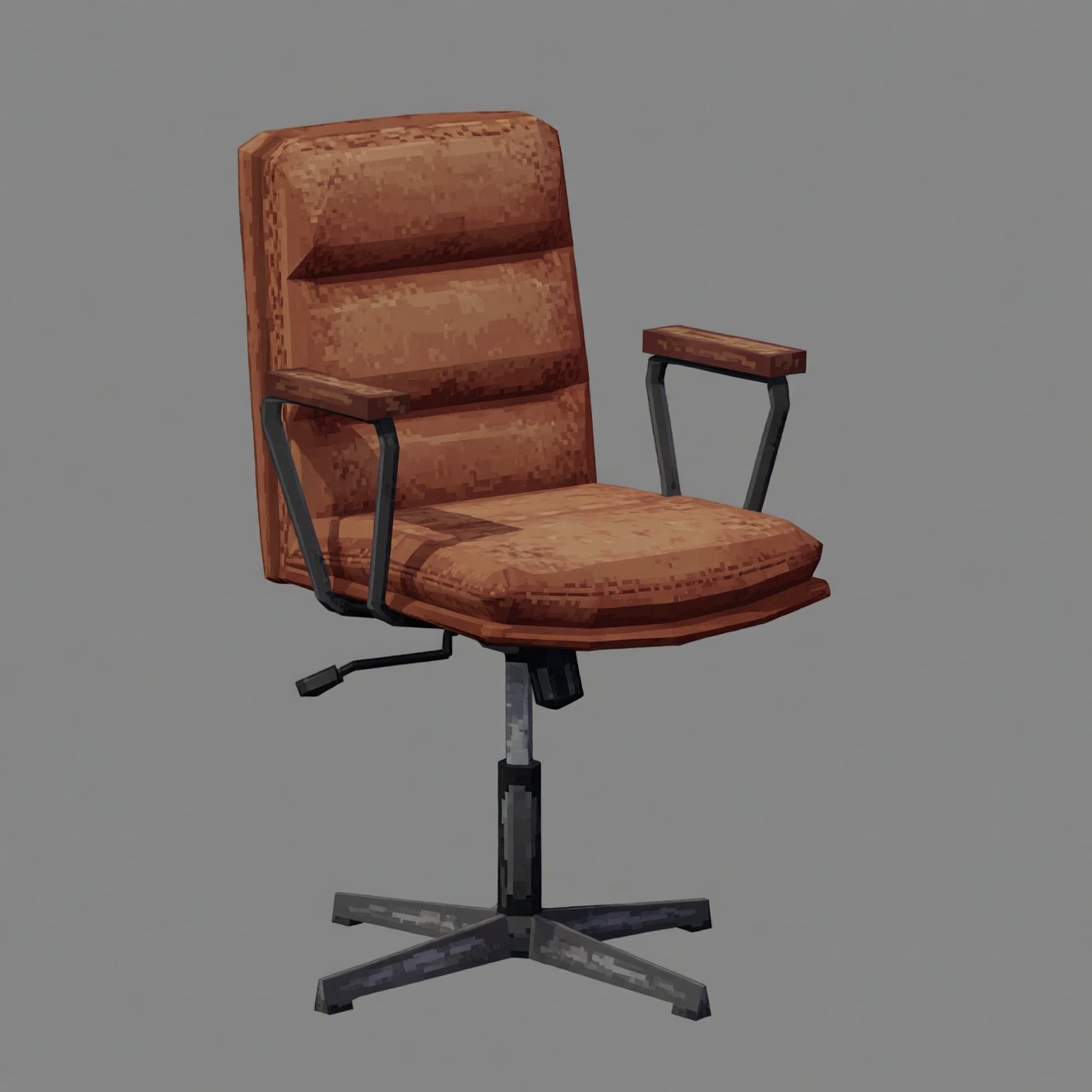
The purpose of this LoRA is for converting outputs from my Qwen-Edit-2511-PS1-v1.0 model into untextured versions. Useful for better accuracy when converting an image of a PS1 character to 3D geometry using an image-to-3D model.
How to prompt:
Use the following prompt: Turn this into a colorless untextured matcap render, dark gray background
Examples:
The following generated images were the best of 2 tries each:
Input

|
Generated

|
Input

|
Generated

|
Input

|
Generated

|
Input
|
Generated

|
Dataset used to make this LoRA: https://huggingface.co/datasets/Hyperccino/PS1-to-Untextured-v1.0
Download model
Download them in the Files & versions tab.
- Downloads last month
- 32
Model tree for Hyperccino/Qwen-Edit-2511-PS1-to-Untextured-v1.0
Base model
Qwen/Qwen-Image-Edit-2511